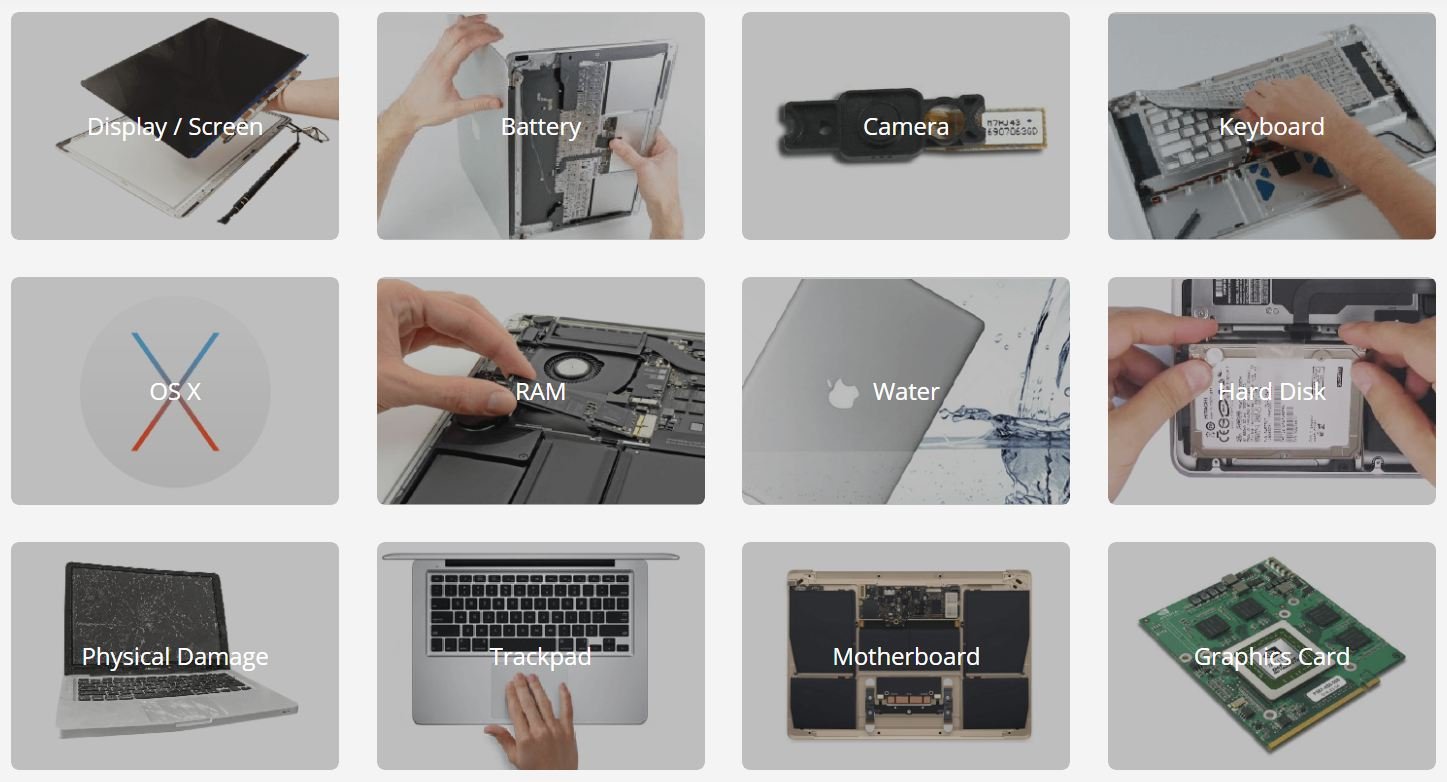
MacBooks are known for their sleek designs, reliable performance, and advanced technology. They are widely used by students, professionals, business owners, designers, and content creators who depend on their devices for everyday tasks. However, like any electronic device, a MacBook can experience technical problems over time. Issues such as battery failure, screen damage, keyboard malfunctions, overheating, software errors, and charging problems can affect productivity. When these problems occur, choosing the right repair provider becomes essential. Understanding what to expect from top macbook repair and services can help users make informed decisions and ensure their devices receive appropriate care.
Professional Diagnosis and Troubleshooting
One of the first things customers should expect from a reputable MacBook repair service is a thorough diagnosis. Before recommending a repair, technicians should examine the device to identify the underlying cause of the problem. Symptoms do not always reveal the exact issue, so professional troubleshooting is important.
For example, a MacBook that fails to turn on might have a depleted battery, a faulty charging port, a damaged power circuit, or a logic board issue. Similarly, unexpected shutdowns may result from overheating, software conflicts, or battery deterioration.
A professional technician should explain the findings in understandable language and recommend suitable solutions. This approach helps customers avoid unnecessary replacements and ensures that the repair focuses on the actual problem. Customers should also receive an estimated cost and repair timeline before authorizing any work.
Screen Repair and Replacement
A damaged display is one of the most noticeable MacBook problems. Accidental drops, pressure on the lid, or other physical impacts can cause cracks, flickering, discoloration, and black spots. Sometimes, the screen may remain completely black even though the computer is running.
Top repair providers should offer display inspection and, when necessary, screen replacement using compatible, high-quality components. Technicians should carefully assess the display assembly, connectors, hinges, and related hardware before beginning repairs.
Customers should ask whether the replacement component is original, refurbished, or third-party manufactured. These options can differ in price, quality, availability, and warranty coverage. A reliable service provider should explain the available choices instead of making unclear promises.
After the repair, the technician should test brightness, color consistency, display functionality, and other relevant features to confirm that the screen works properly.
Battery Replacement and Charging Solutions
Battery performance naturally declines with regular use. A MacBook that once lasted all day may eventually require frequent charging, shut down unexpectedly, or display battery service warnings.
Professional repair services can assess battery health, charging behavior, and power consumption to determine whether replacement is necessary. If the battery has deteriorated significantly, installing a suitable replacement may restore practical battery life and improve everyday usability.
Charging problems can also arise from damaged cables, faulty adapters, blocked or damaged ports, or internal power-related components. A proper diagnosis helps distinguish between accessory problems and hardware failures.
Safety is particularly important when dealing with lithium-ion batteries. Customers should avoid attempting to remove swollen or damaged batteries themselves. A qualified technician should handle the device using appropriate tools and safety procedures.
Keyboard, Trackpad, and Other Hardware Repairs
The keyboard and trackpad are essential components of the MacBook experience. Problems such as unresponsive keys, repeated characters, sticky buttons, erratic cursor movement, and clicking difficulties can make routine tasks frustrating.
A professional technician should inspect these components and determine whether cleaning, adjustment, component-level repair, or replacement is appropriate. Liquid spills require special attention because moisture can damage internal circuits even when the computer initially appears to function normally.
Repair providers may also assist with malfunctioning speakers, microphones, cameras, USB-C ports, headphone connections, and other hardware components. After completing the work, technicians should test the affected features to verify that they operate as expected.
Choosing experienced professionals can be particularly valuable when a repair involves delicate internal components or requires careful disassembly.
Software Troubleshooting and macOS Support
Not every MacBook problem requires hardware replacement. Software issues can cause slow performance, application crashes, startup failures, storage warnings, and unexpected system behavior.
Reliable MacBook repair services should be able to investigate software-related problems and recommend appropriate solutions. These may include removing conflicting applications, managing startup items, freeing storage space, checking disk health, reinstalling macOS when appropriate, or resolving system configuration issues.
Technicians should also consider compatibility before recommending software updates. Older MacBook models may not support every newer macOS release, so the appropriate solution depends on the device’s specifications and current software environment.
Before reinstalling an operating system or performing other procedures that could affect stored information, customers should discuss backup options with the technician. A responsible provider will explain potential data risks and obtain permission before taking actions that could erase files.
Data Recovery and Data Protection
Personal documents, business records, photographs, academic projects, and creative files can be extremely valuable. When a MacBook develops a storage failure or becomes inaccessible, recovering these files may be a major priority.
Some repair providers offer data recovery services for supported storage devices and common software-related problems. The available options depend on the MacBook model, the type of failure, and whether the data remains recoverable.
Customers should explain their data priorities before approving repairs. They should also ask about privacy practices, access controls, and how personal information is handled during the service process.
It is important to understand that data recovery cannot always be guaranteed. In some cases, encryption, severe physical damage, or storage failure may limit the available options. A trustworthy technician should communicate these limitations honestly.
Transparent Pricing and Repair Timelines
Clear communication about cost is another important characteristic of dependable MacBook repair services. Customers should receive a breakdown of expected charges, including labor, replacement parts, diagnostic fees, and any applicable taxes.
The final price may depend on the MacBook model, the severity of the damage, and the availability of compatible components. For this reason, a reliable provider should avoid giving unrealistic guarantees before inspecting the device.
Repair timelines should also be explained clearly. Simple software troubleshooting may take less time than a complicated logic board repair or a replacement requiring special-order parts.
Customers should ask whether additional approval will be requested if technicians discover unexpected damage during the repair. Written estimates and clear service terms can help prevent misunderstandings and support better decision-making.
Quality Parts, Skilled Technicians, and Warranties
The quality of the repair depends on both the technician’s experience and the components used. MacBooks contain compact internal assemblies that require careful handling, suitable tools, and model-specific knowledge.
When comparing top macbook repair and services, customers should look for technicians who understand different MacBook generations, including Intel-based models and Apple silicon devices. Their repair methods should reflect the hardware design and technical requirements of the specific model.
It is also worth asking about warranties on replacement parts and labor. Warranty terms vary between providers, so customers should confirm what is covered, how long the coverage lasts, and which conditions may exclude a claim.
A clear warranty policy offers useful reassurance, although it does not eliminate the possibility of future technical problems.
Customer Service and Convenience
A good repair experience involves more than technical expertise. Customers should expect courteous communication, realistic explanations, and updates about the progress of their repair.
Some providers offer appointment scheduling, collection and delivery, remote software assistance, or convenient service locations. Availability varies, so customers should confirm the details before handing over their devices.
A professional service provider should also explain how the MacBook will be handled, whether accessories are required for testing, and what customers should do before submitting the device. Removing unnecessary personal accessories and creating a current backup, when possible, are sensible precautions.
Online reviews can help customers compare providers, but it is important to evaluate detailed feedback rather than relying entirely on star ratings. Consistent comments about communication, repair quality, pricing, and after-service support can offer useful insights.
How to Choose the Right MacBook Repair Provider
Selecting the right repair service requires considering several factors together. Start by identifying the exact MacBook model and describing the symptoms clearly. Then compare providers based on technical experience, diagnostic procedures, pricing transparency, part quality, warranty terms, and customer feedback.
Ask whether the technician has experience with your specific model and whether the proposed repair is appropriate for the reported problem. If the device contains important information, discuss data protection before authorizing any work.
Customers should also understand the difference between independent repair providers and Apple-authorized service options. Each may offer different repair methods, parts, prices, and warranty implications. Checking Apple’s current service guidance can help determine which option best suits the device and the customer’s needs.
Avoid choosing a provider solely because it advertises the lowest price. An inexpensive repair may not represent good value if it uses unsuitable components or provides inadequate support.
Conclusion
MacBook problems can interrupt work, study, and personal activities, but the right repair provider can help restore a device’s functionality and extend its useful life. From professional diagnosis and screen replacement to battery repairs, software troubleshooting, and data recovery, dependable service should combine technical knowledge with clear communication and responsible handling.
When evaluating top macbook repair and services, prioritize accurate diagnosis, transparent pricing, suitable replacement parts, experienced technicians, and clear warranty terms. Taking time to compare available options can help you choose a service provider that meets your needs, protects your information, and offers a practical solution for keeping your MacBook running reliably.